
Figma is that one tool baked with all goodness. I frequently stumble upon
time-saving features that I wish I knew about sooner -| guess you would love
them too.
So here are some superpowers to accelerate your workflow.
Space out navbar icons super fast
- Use the = Tidy Up tool to align automatically.
- Then use this icon ][ to change the padding on the right hand properties panel.

Drop multiple images
- Ctrl+Shift+K or Cmd+Shift+K
- Choose Images and drop.

Circular Progress like Kaboom
- Draw article
- Hover over the arc tool and sweep it to the position you like.
- Change the ratio and finally give a sweet border radius.

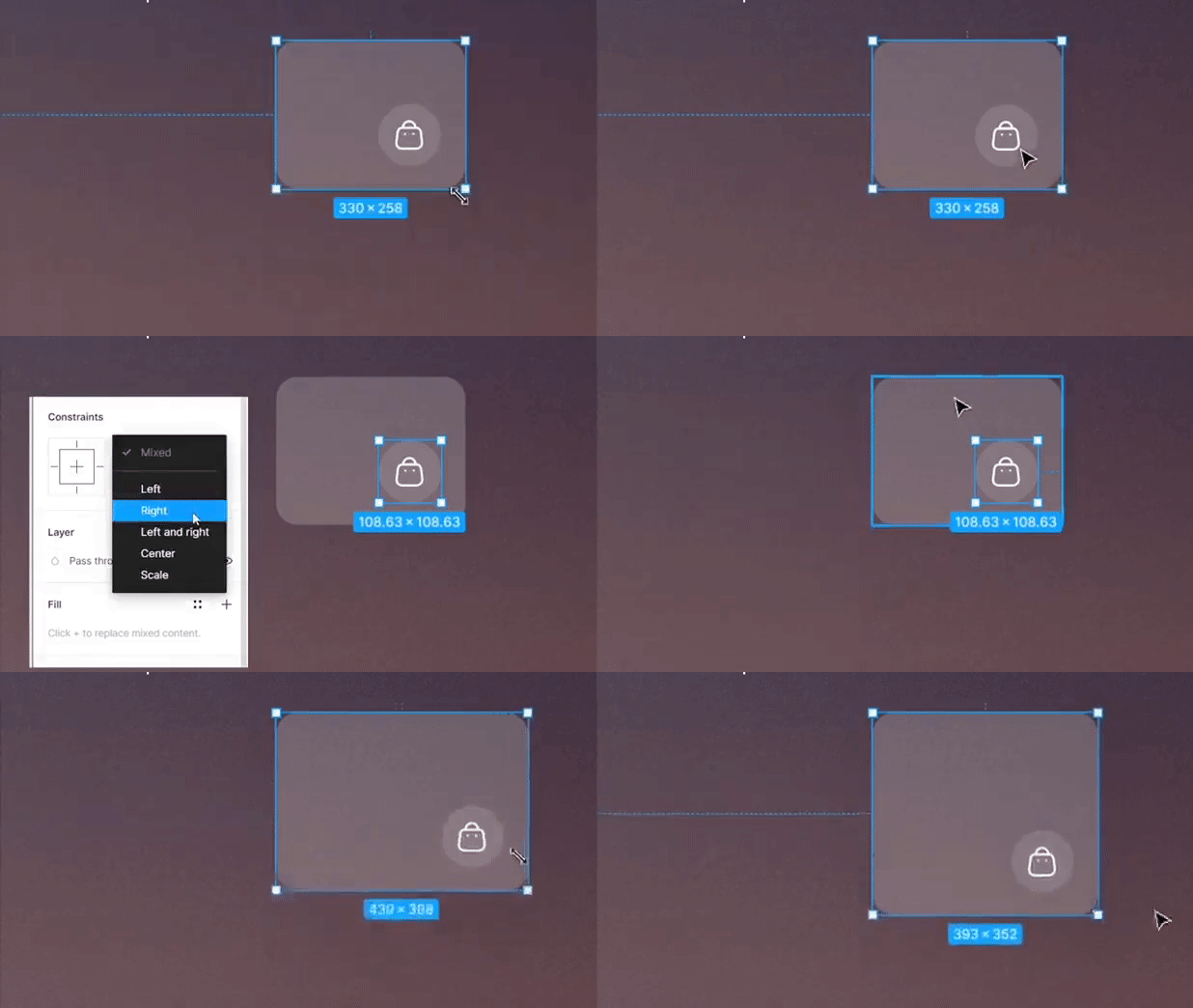
Use constraints to stick elements
- Choose an element that you want to stick to a particular position.
- Use constraint and set position. Now while dragging it will stay in its place.
Nudge elements
- You can nudge or move elements precisely by holding the shift and arrow key to do a big nudge or use just the arrow to do a small nudge.
- Also, adjust these nudge values in preferences > Nudge Amount.

Hope you found these tips useful 😉
Also, let's be heroes and share this post. There might be someone needing
this.